

How to: Google Workspace
This practical beginner course teaches students and recent graduates how to use Google Workspace (Gmail, Drive, Docs, Sheets, Meet, etc.) effectively for the modern workplace. You will learn to collaborate, manage files, create documents, and work productively using Google’s free and powerful cloud tools.
-
4 Lessons

-
Beginner

-
1 hour 49 minutes

- Category Job readiness


This practical beginner course teaches students and recent graduates how to use Google Workspace (Gmail, Drive, Docs, Sheets, Meet, etc.) effectively for the modern workplace. You will learn to collaborate, manage files, create documents, and work productively using Google’s free and powerful cloud tools.
- Google Workspace Navigation & Gmail – Getting started and managing email.
- Google Drive & File Management – Organizing and sharing files.
- Google Docs, Sheets & Slides – Creating and editing documents.
- Collaboration & Google Meet – Real-time teamwork and meetings.
- Navigate Google Workspace and manage files efficiently.
- Create, organize, and share documents and spreadsheets.
- Collaborate in real-time with teammates.
- Conduct professional video meetings using Google Meet.
- 4 structured video lessons with clear explanations and practical examples.
- Quizzes after each lesson to test and reinforce understanding.
- Official SkillUp Certificate of Completion upon finishing all lessons and quizzes.
Lessons
-
-
-
Getting Started with Google Workspace and Gmail2 Sections 23 minutes
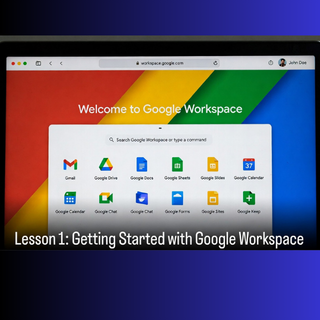
Google Workspace is a cloud-based suite of productivity tools including Gmail, Drive, Docs, Sheets, Slides, and Meet. Learn how to access Workspace, set up your account, navigate the main dashboard, and use Gmail professionally (compose emails, organize inbox, use labels, and search effectively).
1 reading 1 assignment -
Google Drive: File Storage and Organization2 Sections 30 minutes
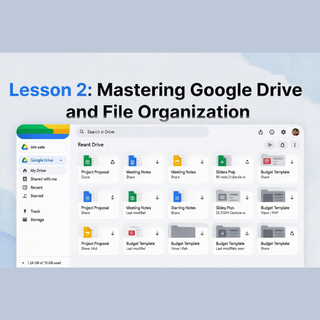
Google Drive is the central storage for all your files. Learn how to upload files, create folders, organize documents, share files securely, and use search and star features to stay productive.
1 reading 1 assignment -
Creating Documents with Google Docs and Sheets2 Sections 26 minutes
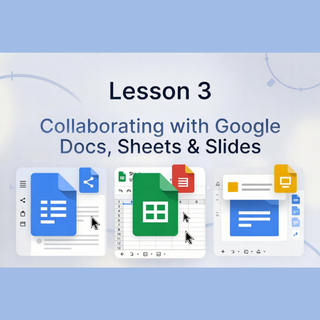
Google Docs is for word processing and Google Sheets is for spreadsheets. Learn basic document formatting, real-time editing, inserting images/tables, and using essential formulas in Sheets.
1 reading 1 assignment -
Collaboration, Sharing, and Google Meet3 Sections 30 minutes
Master real-time collaboration, sharing permissions, comments, and how to run effective video meetings using Google Meet.
1 reading 1 assignment 1 summary
-


